
Skip to product information

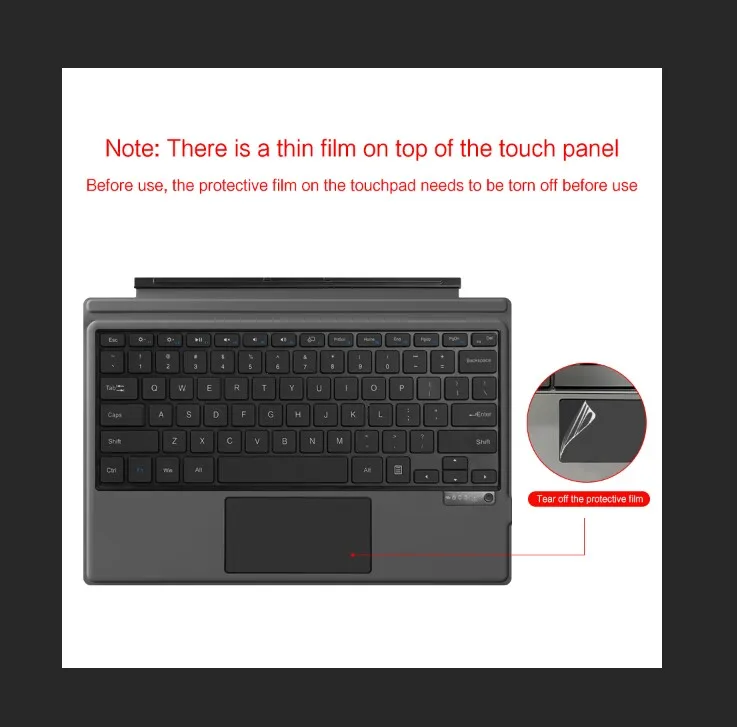
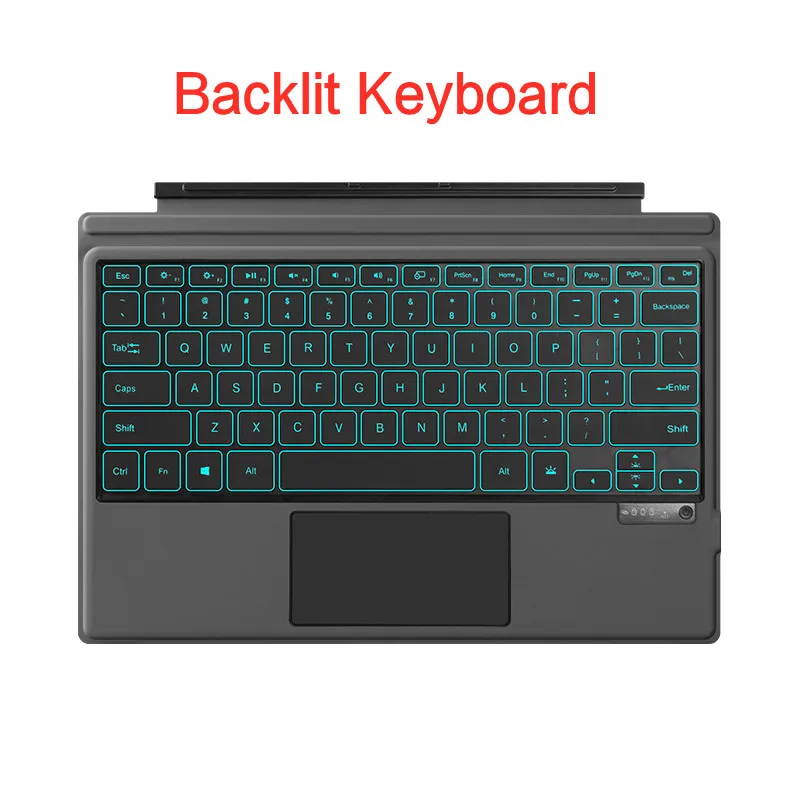
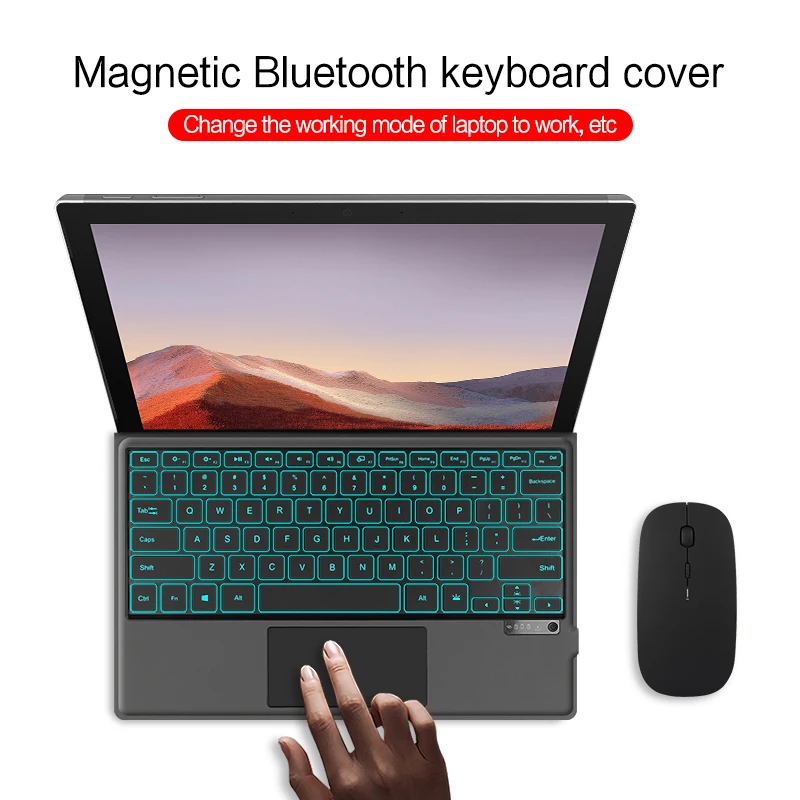
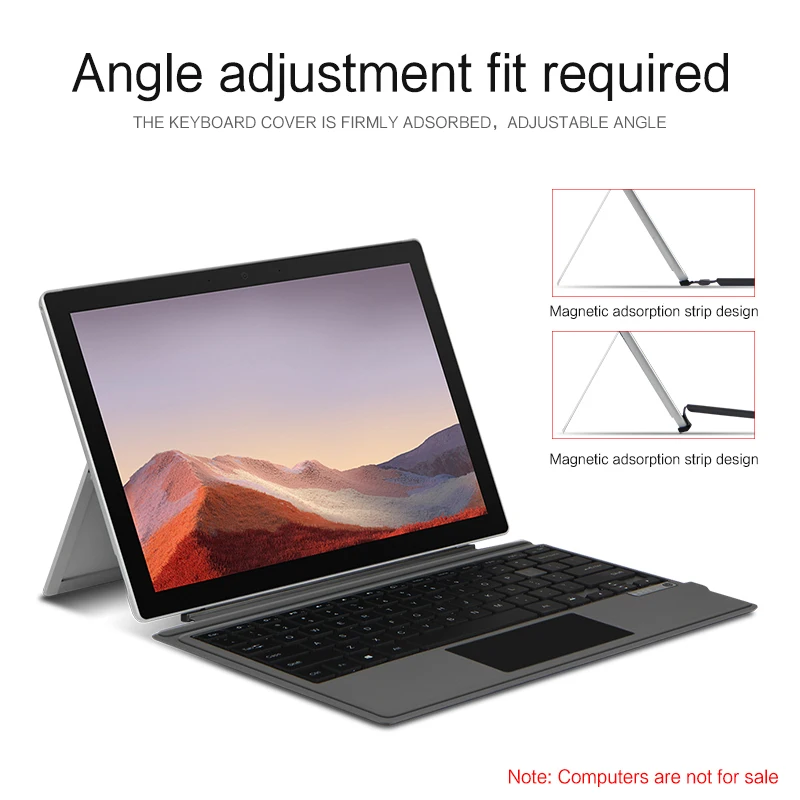
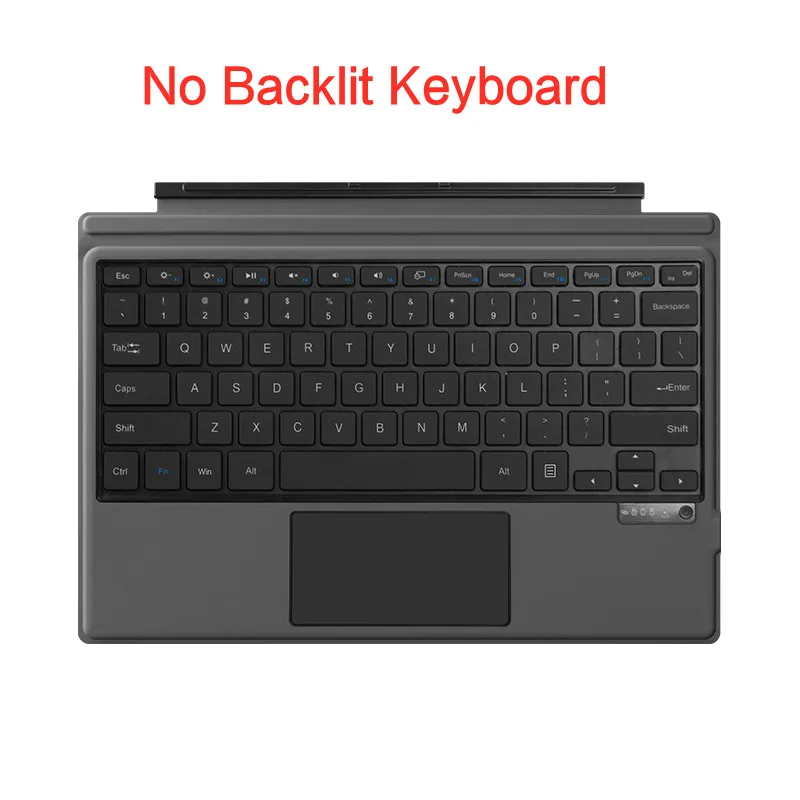
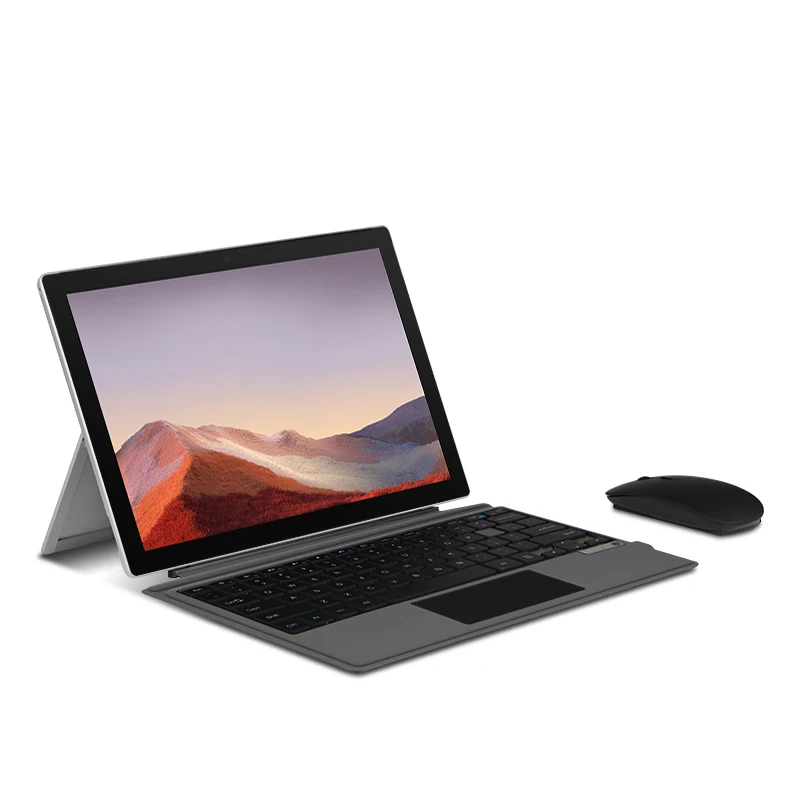
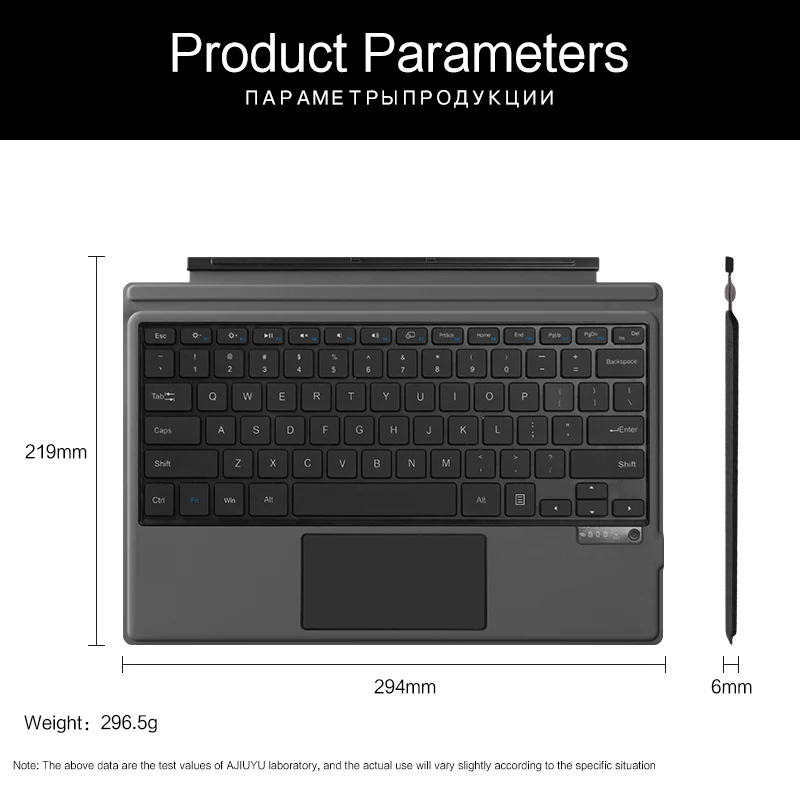
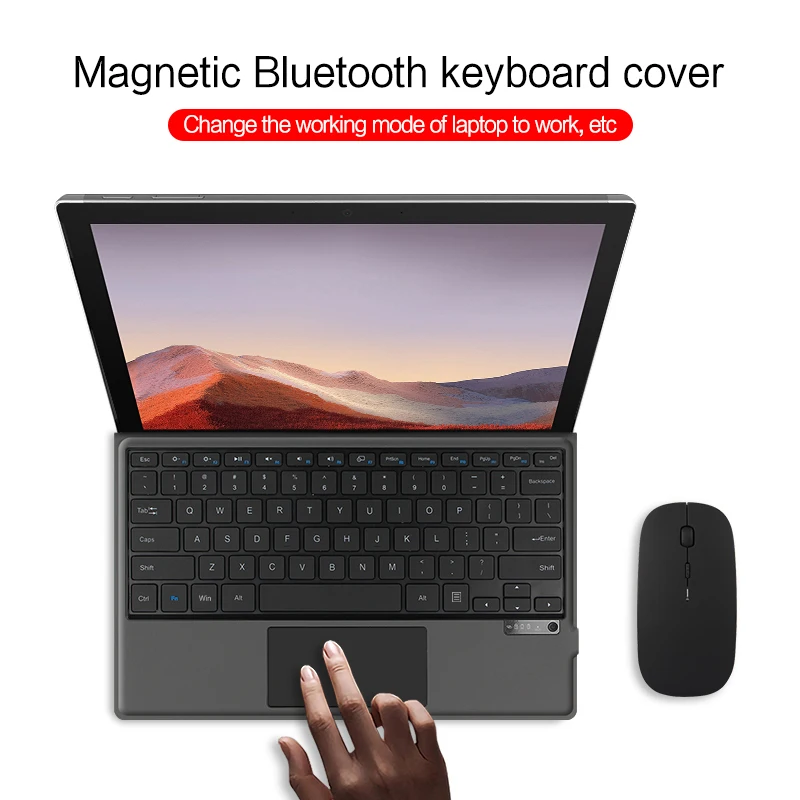


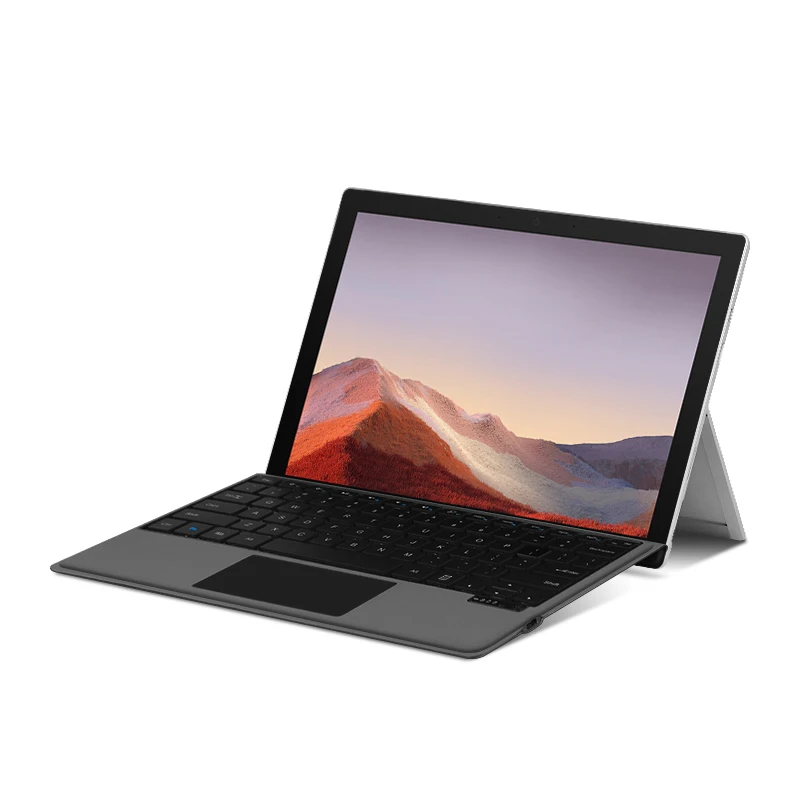
Nextech Bluetooth Keyboard for Surface Pro
Sale price
€64,81
Regular price
€122,87
SPECIFICATIONS
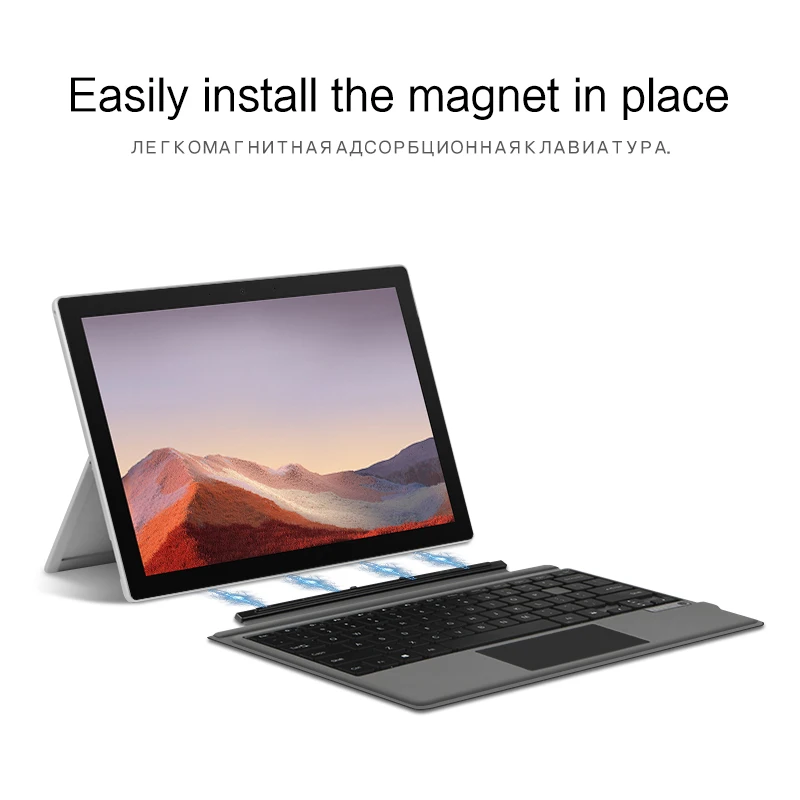
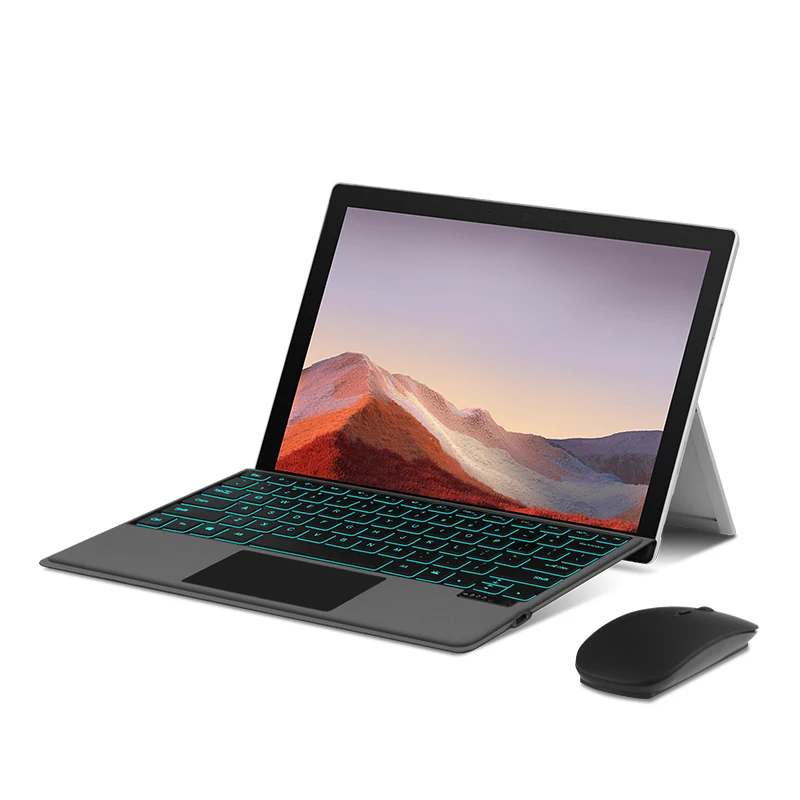
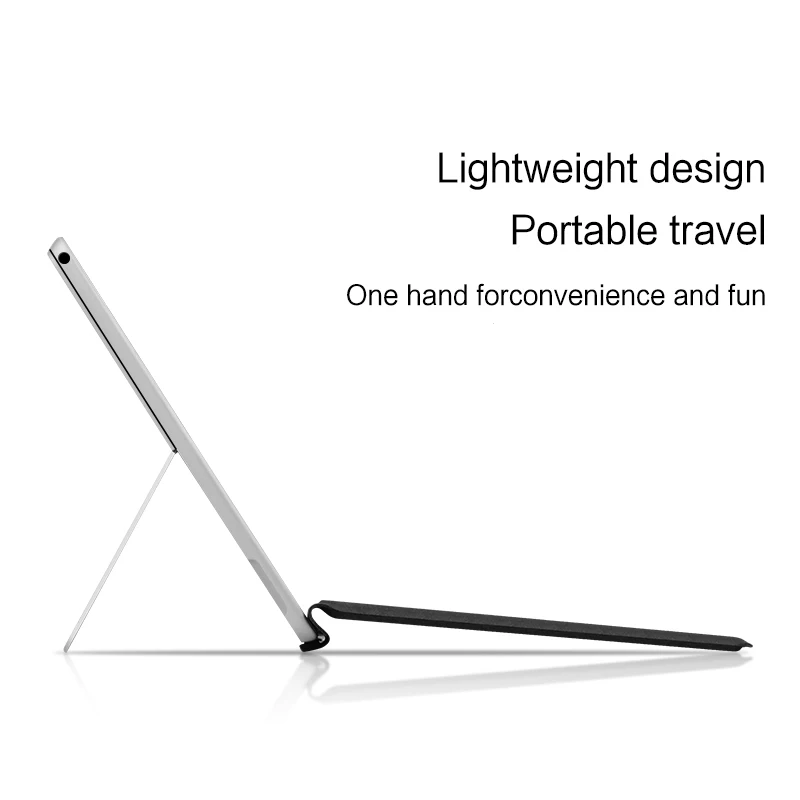
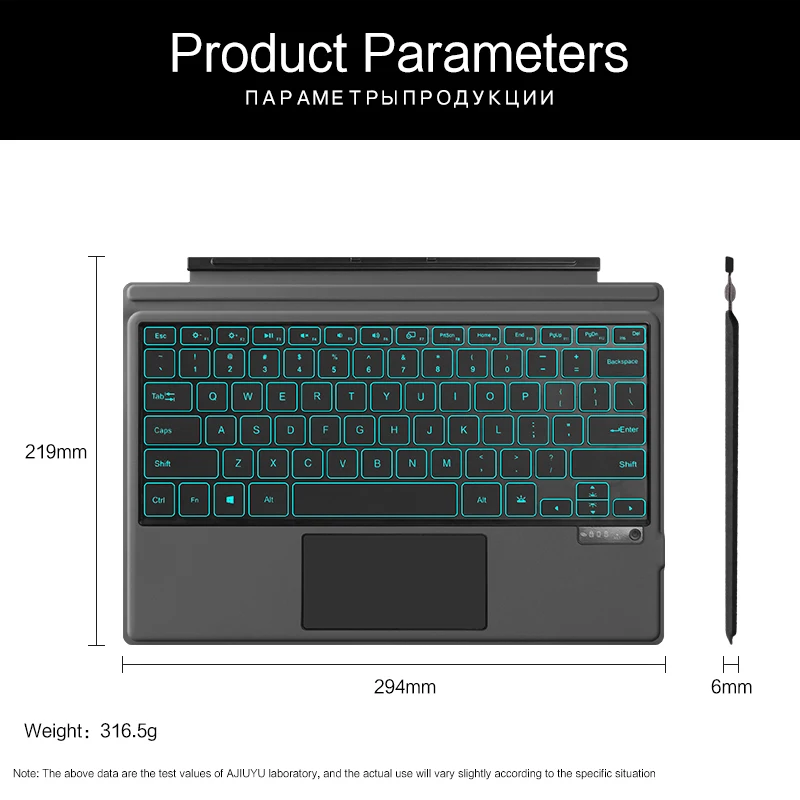
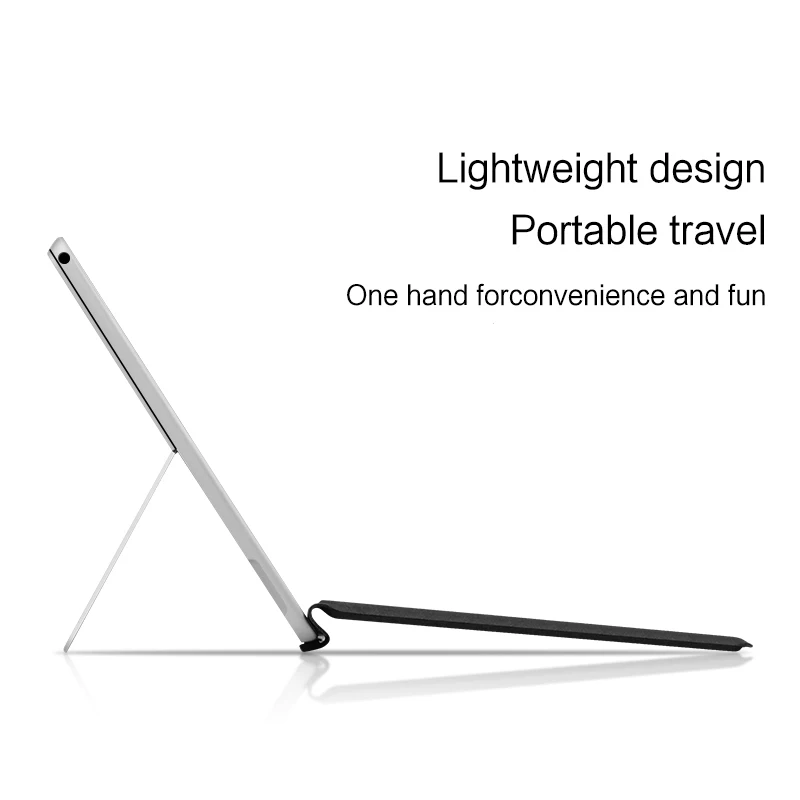
Nextech Bluetooth Keyboard for Surface Pro offers a seamless and efficient typing experience for professionals, students, and creatives using the Microsoft Surface Pro. Designed with precision in mind, this keyboard delivers responsive keys, ergonomic spacing, and a lightweight design, making it ideal for extended typing sessions, work, and study. Its Bluetooth connectivity ensures a fast, stable connection without the need for cables, providing the freedom to work anywhere.
Equipped with long-lasting rechargeable batteries, the Nextech Bluetooth Keyboard for Surface Pro maintains power for days of use, while its slim and durable construction complements the Surface Pro’s sleek design. The keyboard also features dedicated shortcut keys for easy access to commonly used functions, enhancing productivity and convenience.
Compatible with multiple Surface Pro models, this keyboard ensures a plug-and-play setup, allowing you to focus on your work immediately. For anyone seeking a reliable, portable, and efficient typing solution, the Nextech Bluetooth Keyboard for Surface Pro delivers comfort, speed, and productivity in one elegant package.
Application: Tablet
Axis Body Brand: 00
Battery Included: Yes
Brand Name: HUWEI
Certification: CE
Choice: yes
Full Size keyboard: No
High-concerned chemical: None
Interface Type: Bluetooth
Keyboard Standard: Tablet Keyboard
Language: English
Operation Style: Mechanical
Origin: Mainland China
Package: No
Style: for Tablet,Standard
Type: Bluetooth Wireless
Wrist Support: No
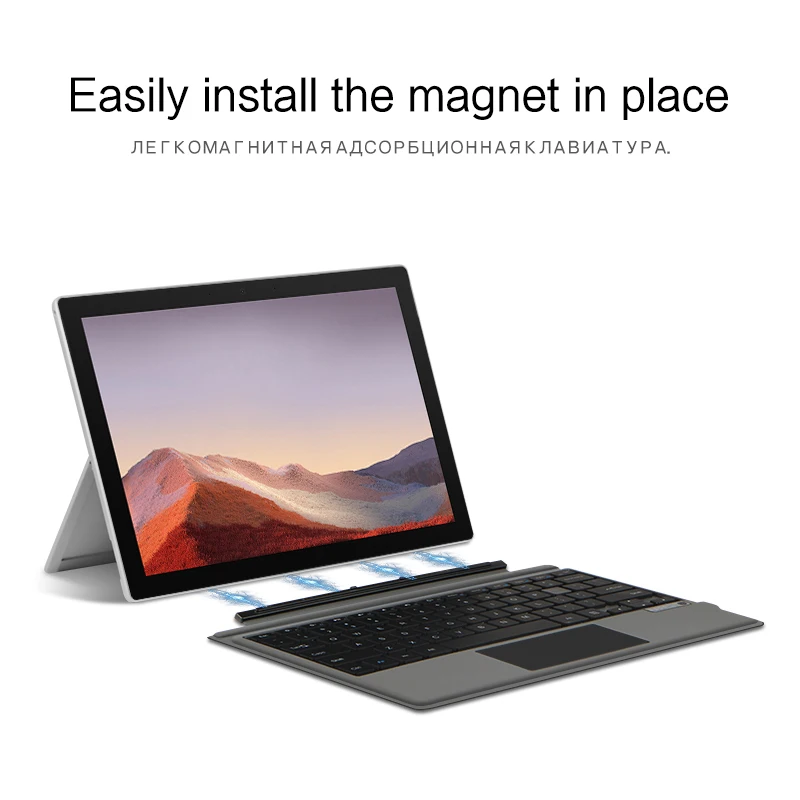
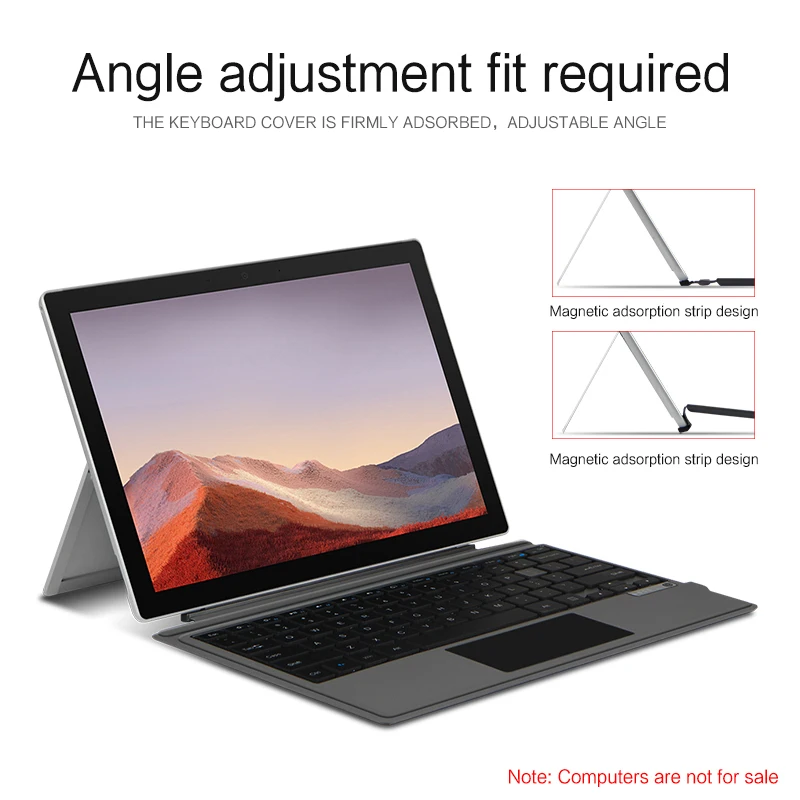
Keyboard Can only be allowed to apply For Microsoft Surface Pro 7、Surface Pro 6、Surface Pro 5、Surface Pro 4、Surface Pro 3(Tablet Notebook computer)12.3 inch
, the other will not be able to use
Keyboard usage:
【1】Method to connect Bluetooth: Turn on the keyboard switch, press theFn+Cbutton for about 3-5 seconds, the blue light on the keyboard indicator will flash, and then search for your tablet's Bluetooth connection keyboard.
【2】After connecting Bluetooth,Take the samsung tablet as example,open Settings--ystem--Language & input--Add New Keyboard. (For other systems, please set them in the system settings according to the tips of the iPad example.)
【3】Input method switching: Ctrl+spacebar.(Choose the language you need)
【4】Type-C charging interface .
【5】For detailed instructions, please read the user manual. If you have any questions, you can contact "Online Services" for consultation .
Attention Please
English versionkeyboard : There are English letters on the keyboard only.
Multi-language versionkeyboard : English letters and carved language letters together ..【For example, if you choose French, the keyboard will display English and French letters. Please note that the same letters will not be engraved repeatedly】(Due to the difference in the number of keyboard keys compared to a normal office keyboard, some special character engraving positions are the same, which is a normal phenomenon)
The keyboard Core defaults to English, and the characters engraved on the keyboard are only a Surface display.so in some countries, even if the input method is switched, the special symbols do not necessarily match the keyboard function layout(You can hold down the Shift combination).If you mind, please do not purchase!!.


 Do you ship overseas ?
 Do i need to setup and account to place an order
 When will I get my order?
 Where are your products manufactured?
 Any question

